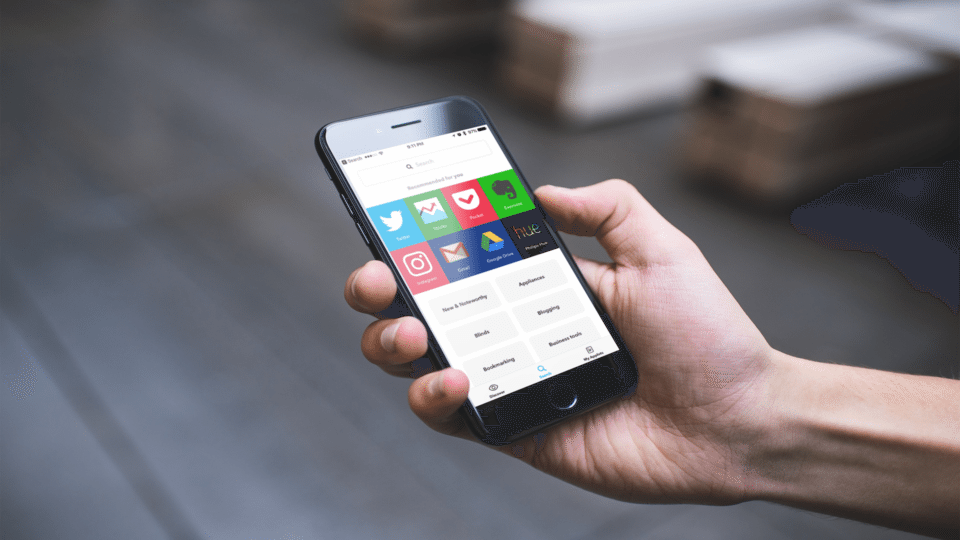
You’ve probably heard of IFTTT. IFTTT is short for If This Then That — a web service that allows you to connect web services or connected devices to automate them. IFTTT is really useful and a huge time saver. You can use it to automate mundane daily tasks so you can focus on more important things!
Applets (which used to be called Recipes) are a set of triggers and actions. There are tons of useful Applets you can immediately use by browsing through the IFTTT directory, or you can build one yourself. Here are 5 useful IFTTT applets that will save you time.
Update Twitter profile picture when you update Facebook profile picture

This applet lets you sync your Facebook and Twitter profile pictures. When you update your Facebook profile picture, IFTTT will also update your Twitter profile picture. Download the applet here.
Download Gmail attachments to Dropbox

When I buy tickets online, the booking confirmation or invoices are sent by email as attachments. Most of the time I save it to Dropbox to avoid deleting the email accidentally. This IFTTT applet has saved me many times by automatically downloading my Gmail attachments to my configured download folder. You can download the applet here. If you prefer Google Drive rather than Dropbox as a destination, use this applet.
Get notifications if it’s going to rain tomorrow
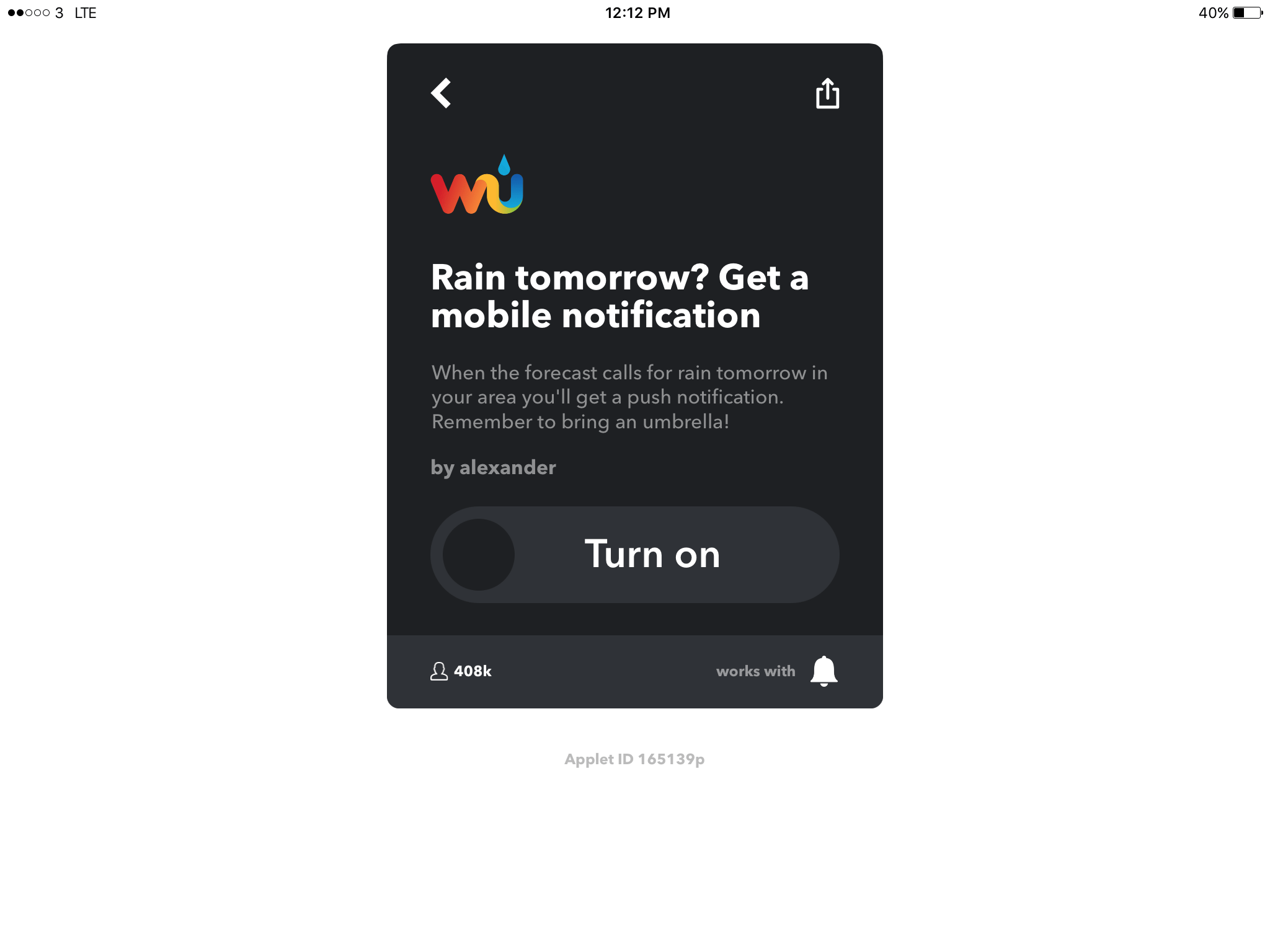
Don’t want yourself caught in the rain? Use this IFTTT applet. Upon activation, you’ll receive notifications when it’s going to rain the next day. Don’t forget your umbrella! You can download the applet here.
Save links on favorited tweets to Pocket

Every once in a while I’ll want to save a link that’s attached to a tweet to read it later. Occasionally I’ll revisit these tweets, but most times I’ll forget. This IFTTT applet helps me to save links from liked tweets right to Pocket. Get the applet here. If you prefer Instapaper rather than Pocket, there’s also an applet for that app which you can download here.
Turn on Philips Hue bulbs at sunset
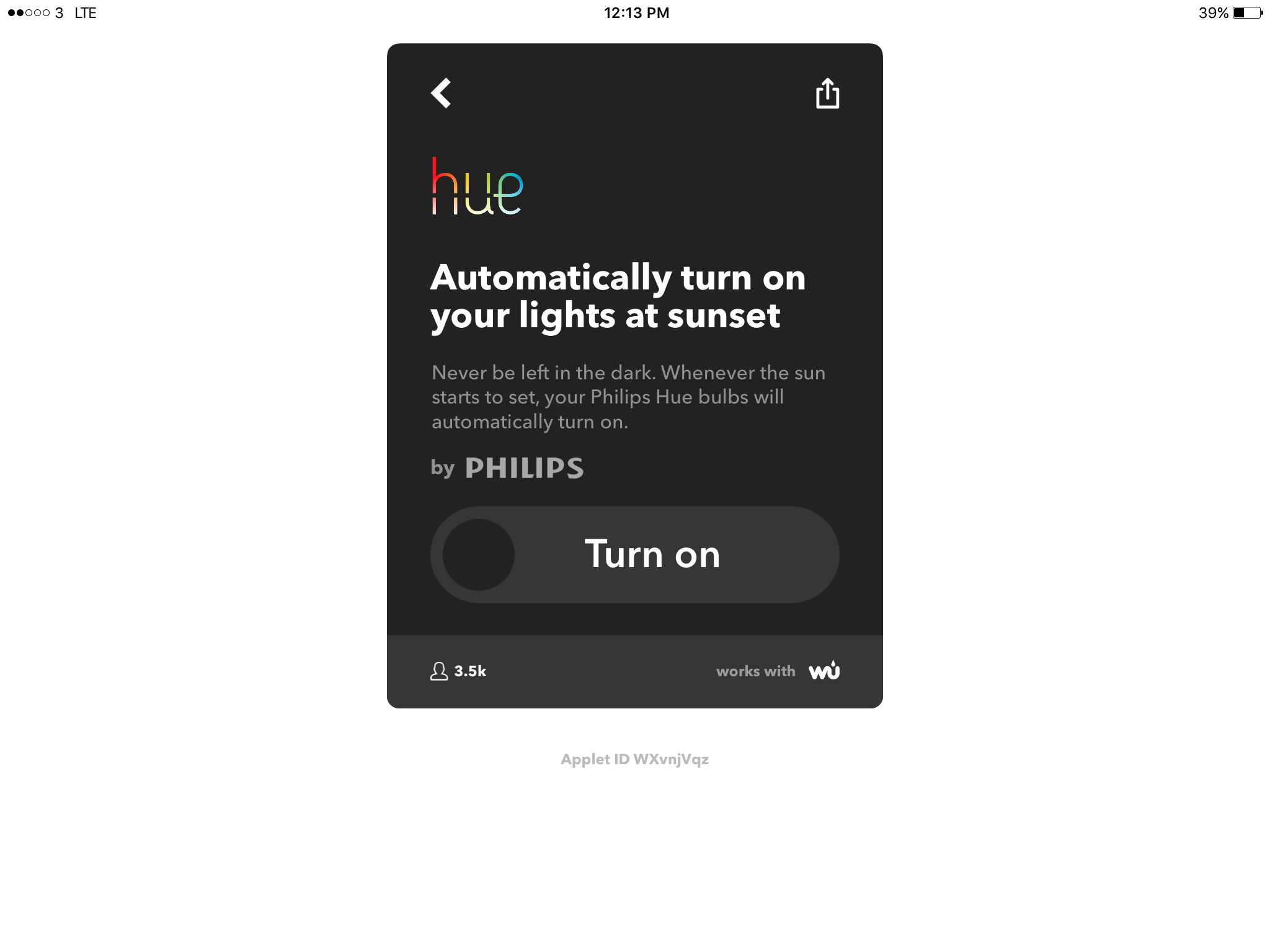
If you have Philips Hue bulbs in your home, you can use this applet to automatically turn them on at sunset. This applet will help you on the road to a connected and automated home! You can get the applet here.
Have you used IFTTT? What’re your favorite applets?
IFTTT is a great service to automate tasks. I’ve used it for years, and it’s really saved me time. Have any questions or applets you’d like to share? Let me know in the comments section below.


Leave a Reply