Just how it’s never too late to learn to draw, to start running, to learn to code; it’s never too late to learn the inner workings of music. Learning the theory behind music has many benefits in life, and don’t just take it from me — there’s been a great number of studies, including this study from Northwestern University that states learning an instrument can “help a child’s academic achievement.”
While learning theory and how to read music is not essential in learning how to play an instrument or write a song, it’s important to know the ‘why’ behind what you’re doing. Like other school subjects, you might not always use everything you’ve learned over the years, but having that information can be really beneficial. A player with a wide vocabulary of styles and a toolbox of interesting phrases is oftentimes much more exciting than someone going through the motions and scales.
There are a lot of music apps for iOS out there that will help you with a specific instrument, but for this post I decided to focus on apps that will help you with the nuts and bolts of music theory. Here are four great music apps that can help any musician get better at their craft:
Theory Lessons
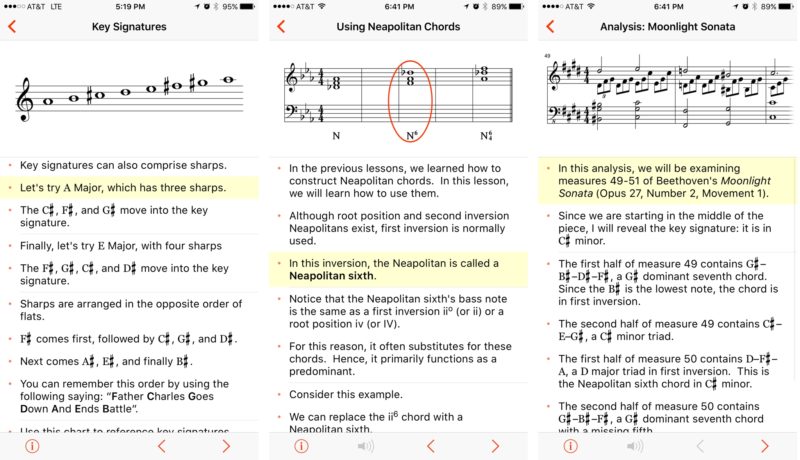
Theory Lessons is a great iOS port of musictheory.net’s ‘Lessons’ section on their website. Theory Lessons is a great app for the beginner or advanced musician, and is like a pocket guide for music. Lessons are broken down into modules, covering topics like rhythm and meter, scales and key signatures, chords and more. As you progress through lessons, you get a visual representation of notes on a staff, a keyboard, or whatever else is relevant to that particular lesson. Sometimes you also get an accompanying audio example to explain what you’re seeing. I refer back to this app all the time, and it keeps my music theory chops up. I can also recommend musictheory.net’s Tenuto app, which is a port of their ‘Exercises’ section of the website, and includes interactive examples of what you’ll learn in Theory Lessons.
- $2.99 – Download
Semitones
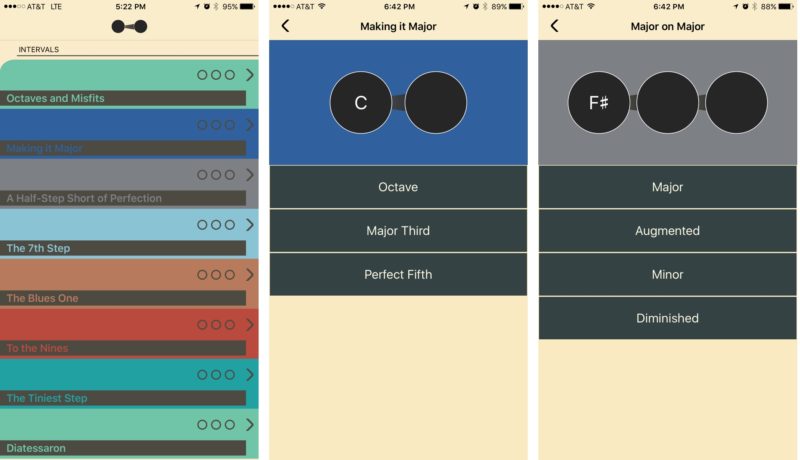
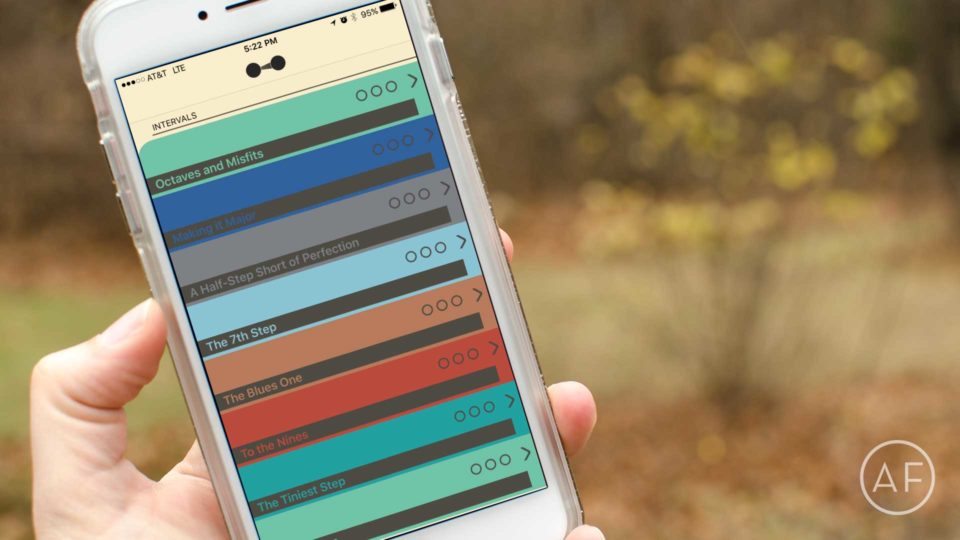
In music, a half step is called a semitone. To visualize this, think of the keys on a piano. If you play two keys that are adjacent to one another, you are playing a half step. That half step is one of a few intervals. Intervals are what make up music — otherwise known as the distance between two notes. It’s really important to be able to distinguish different intervals. Semitones is an app you can pick up at any time, that’ll test you on your knowledge of intervals. It’ll also quiz you on chords! Why does this matter? On any instrument, if you want to write down what you’re playing by ear or sketch out a song, knowing intervals and chords is extremely helpful in determining what’s being played. Semitones also has a fun design to go along with it, and focuses on doing 1 or 2 things well.
- $3.99 – Download
Time Guru
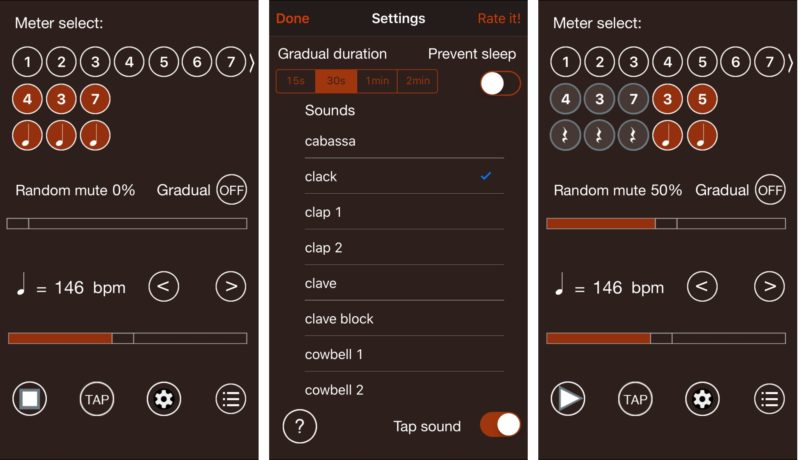
There are lots of metronome apps in the App Store, and it’s not a bad idea to pick up a few that focus on different aspects of time. One I want to recommend is Time Guru. Made by a musician, Time Guru can act as a simple metronome, keeping you in time. This is so important when trying to learn music. The fun thing that Time Guru does is occasionally leave out beats. What this does is strengthen your inner clock, and helps you get better at playing different time signatures, and at different tempos. If you’re going to start learning music, start by practicing to a metronome!
- $1.99 – Download
GarageBand
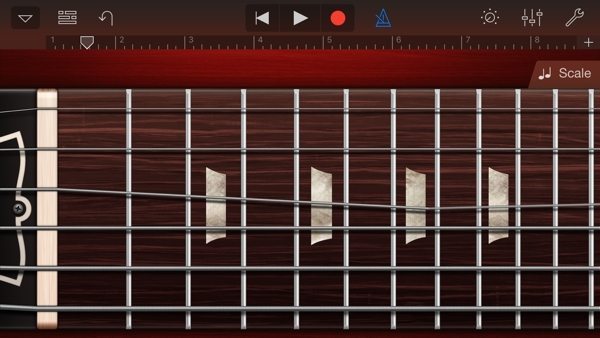
I’ve recommended it in the past, and I’ll recommend it again here. What would be the fun in learning all this theory without actually playing an instrument? Garageband for iOS is a mere 5 bucks, and lets you incorporate what you’ve learned by playing virtual instruments. It has a built in metronome, you can layer a few tracks for recording, and you might even get some great musical ideas down. Think of it as your musical sketchpad.
- $4.99 – Download
See also:
- GarageBand for Mac – $4.99 – Download
Even more music apps for iPhone and iPad
I hope these music apps apps help you on your musical journey. Try and learn as much as you can, but don’t forget to play for fun. If you’d like more instrument-specific apps, please feel free to leave a question in the comments and we’ll recommend something specifically for you if we can!


Leave a Reply