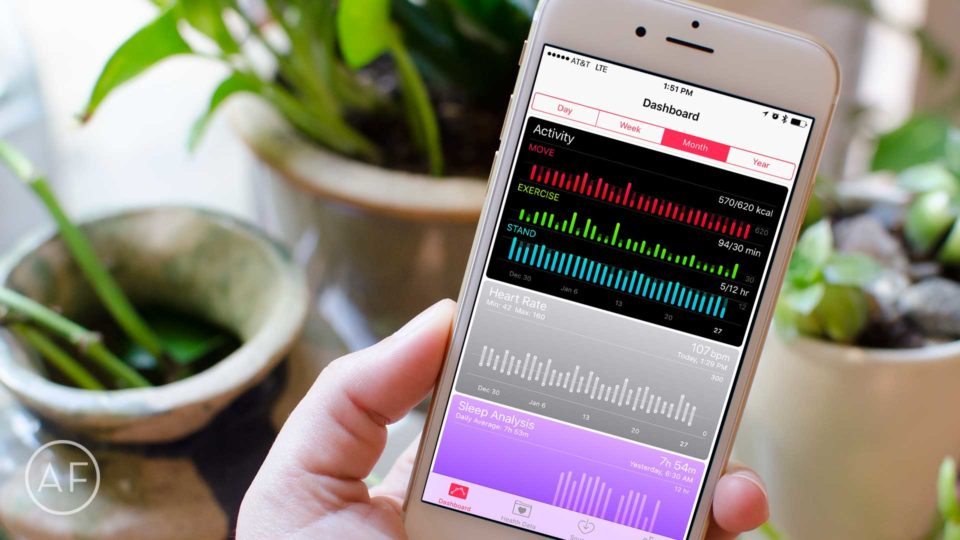
Apple takes the privacy and security of your health data very seriously. So serious in fact that there are only two ways to transfer Health app data from one iPhone to another. Here’s a breakdown of those two ways and why you may want to choose one way over the other.
How to backup your Health app data first, just in case
Before restoring to a new iPhone or trying to transfer data, I always recommend backing up data of any kind. This includes Health app data. While Apple has restrictions, there are a few ways around them, including exporting your data using App Store apps.
We talked about this in detail recently, so before moving on, be sure to read that article and back up your data before continuing on.
How to transfer Health app data to a new iPhone using iCloud
Once you’ve backed up your Health app data, you’ll need to decide how you want to safely restore it.
If you already create iCloud backups on a regular basis, and you intend to restore from an iCloud backup. Your Health app data should be safe and sound. And if you don’t know how to make an iCloud backup, just follow these steps:
Once you are sure you have an iCloud backup, you’ll want to restore from it. Whether you’re restoring your iPhone due to a problem, or you are migrating to an all new iPhone, the steps to restore from an iCloud backup are the same.
If you aren’t sure how, you can follow our guide at the following link, just be sure to follow the iCloud section, not iTunes:
How to transfer Health app data to a new iPhone using iTunes
The other method of transferring Health app data from one iPhone to another is via an encrypted iTunes back. Notice the encrypted part in the previous sentence, because it’s incredibly important.
If your iTunes backup is not encrypted, it will not save your Health app data.
If you’re still creating backups in iTunes, and you rely on the Health app, be sure that you choose to encrypt a backup before you try and restore, or you’ll lose your Health data.
If you aren’t sure how to make an encrypted iTunes backup, we can help you with that too:
Why you should use an encrypted iTunes backup over an iCloud backup to transfer Health app data
So which method should you choose?
While both will get the job done, I much prefer the encrypted backup method, especially if you’re setting up a new device, or performing a major iOS upgrade (iOS 8 to iOS 9 for example).
While my reason may be part preference, I’ve just seen too many things go wrong with iCloud backups. iCloud backups get stuck, time out, or even worse, leave some data behind. I’ve seen all of these scenarios happen to friends and family — particularly ones that have especially large backups. While this typically isn’t as big of a deal on smaller point upgrades, iCloud sometimes does weird things on brand new installs and major upgrades.
For this reason, I always make an encrypted iCloud backup and restore from there. I use iCloud for daily backups but I make it a habit to plug into iTunes once a month or so, just in case.
While either of these methods will get your Health app data where it needs to be, if you want to be as certain as possible you won’t run into problems, I’d strongly recommend the encrypted iTunes backup method.


